

On this page
Until now, the only way to hear about a reply was email. That works, but it's easy to miss, and some of you turned the emails off and then missed everything.
A bell for replies, mentions, and Store reviews #
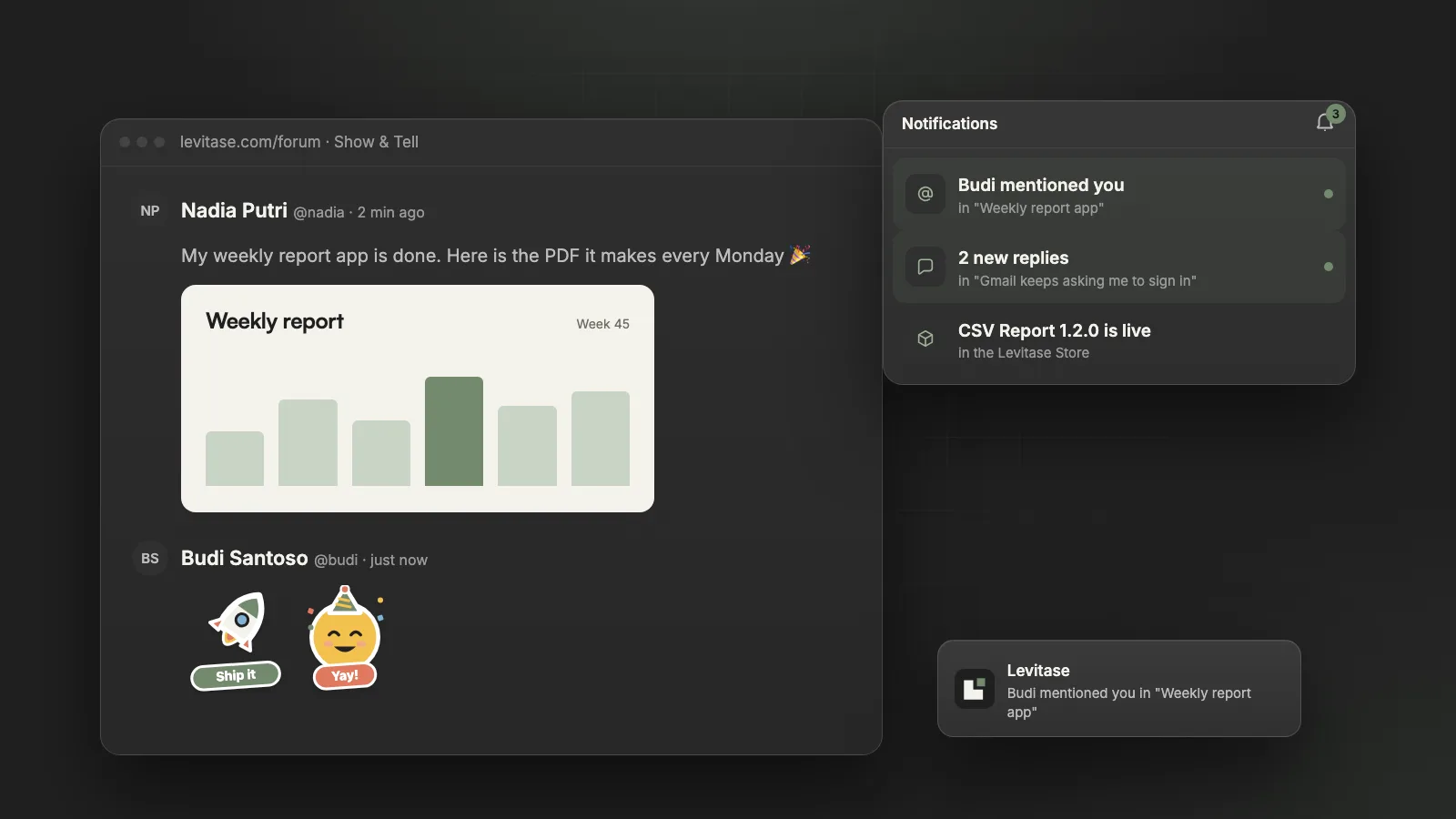
When you're signed in, the header shows a bell with the number of unread notifications. It collects:
- replies in discussions you follow (grouped, so a busy thread is one line),
- replies to your blog comments,
- mentions of your
@handle, - Store review results for items you submitted.
Open one and it takes you straight to the post. Mark all as read clears the list.
The same list in the desktop app #
Signed in to Levitase on your computer? The bell in the app's top bar shows the same notifications, next to the ones from your own machine, and new ones appear as a system notification. Clicking one opens the page on levitase.com, already signed in. The app checks every couple of minutes and whenever you come back to it.
Pictures, emoji, and stickers in posts #
The composer has three new buttons:
- ImagePick a PNG, JPEG, GIF, or WebP up to 5 MB, or simply paste or drop it into the text box. We store a resized copy without location data.
- EmojiA small tray of the ones people actually use. 👍
- StickersEight stickers drawn for Levitase, from "Hi!" to "Ship it".
Posts still don't load pictures from other sites, so a post can't track who reads it.
Tell us what you think in Show & Tell, and try a sticker while you're there.
Comments
Read and write comments