

On this page
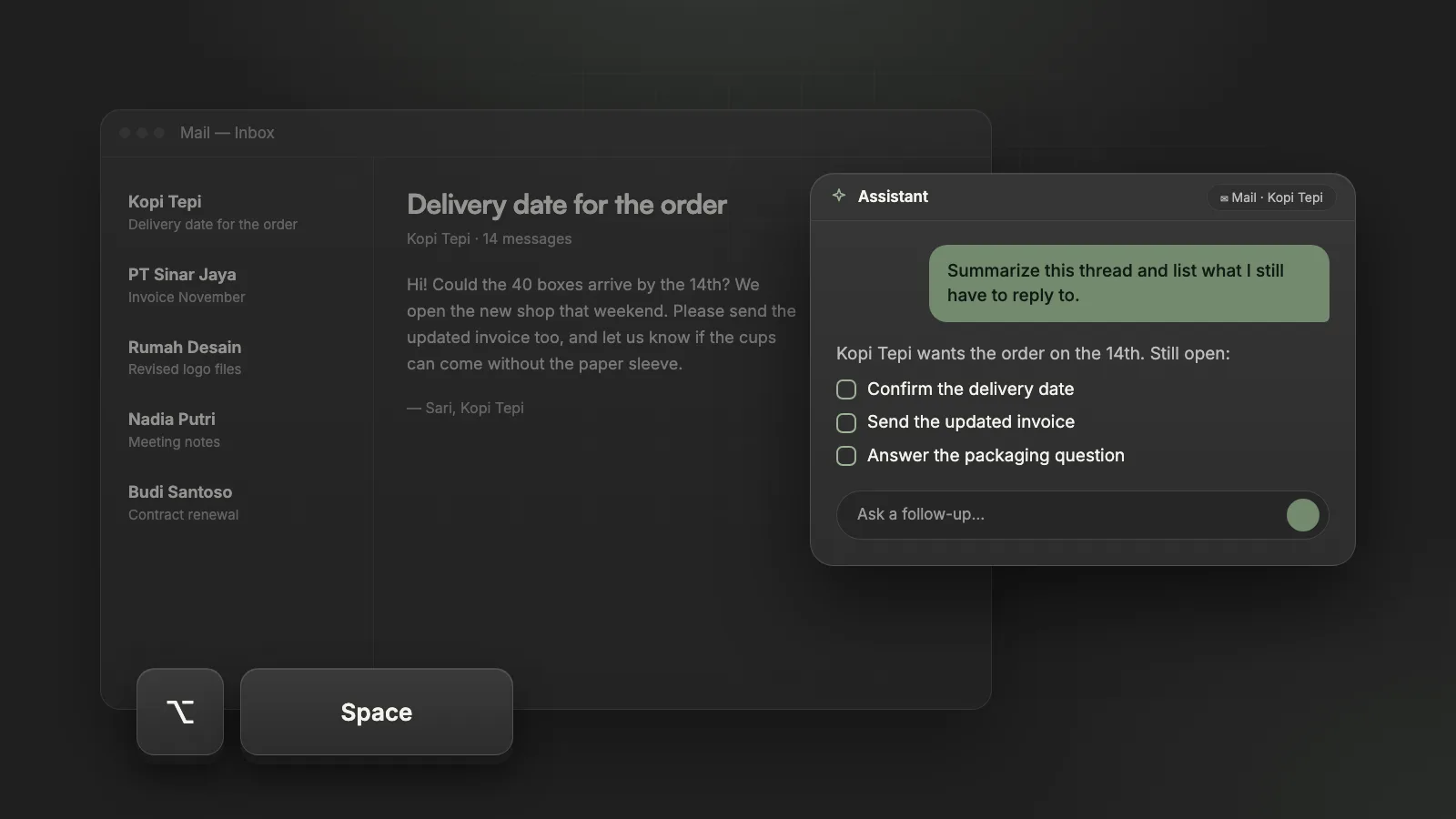
Most of the time the question comes up while you're in another app: a long email thread, a spreadsheet, a PDF someone sent. The floating assistant is built for that moment. It's a separate window that sits above your other apps, so you can ask and go back without losing your place.
Open it from anywhere #
Press Option Space (Alt Space on Windows). The window opens where you left it last time. Press the shortcut again, or Esc, to hide it. Your conversation stays where it was until you start a new one.
Ask about what's in front of you #
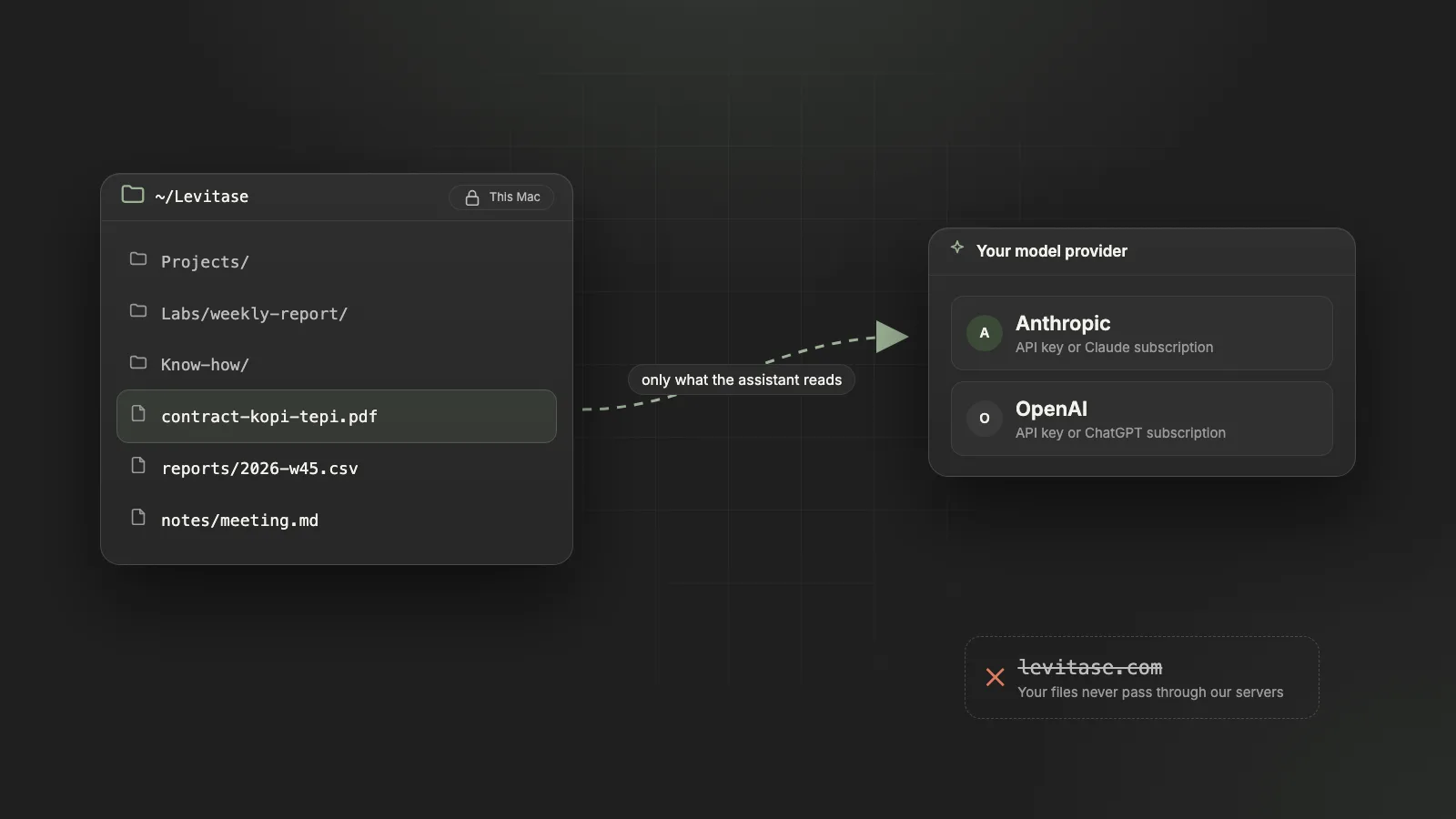
The assistant can read the files in your workspace when you ask it to, and it shows which ones it used. A few things people use it for in the first week:
- Summarize a thread"Summarize this thread and list what I still have to reply to."
- Find a file"Where's the signed contract with Kopi Tepi from September?"
- Draft a reply"Write a short reply that says we can deliver on the 14th."
It asks before it acts #
Actions that change something, such as writing a file, running a command, or sending a message through a connector, ask for your approval unless you've allowed them. You can review what you allowed in Settings → Permissions.
What it doesn't do yet #
It uses the model you connected, either with an API key or a Claude or ChatGPT subscription. Local models aren't supported yet, so the assistant needs a connection to your provider to answer.
Questions or ideas? Tell us in the forum.
Comments
Read and write comments